Users Navigation Menu
Overview
In this article, you will be introduced to the components in the Users navigation menu. There are 3 main sections, Accounts, App Managers and Admin Users. You will learn what is viewable depending on your role entitlements in Apporetum.
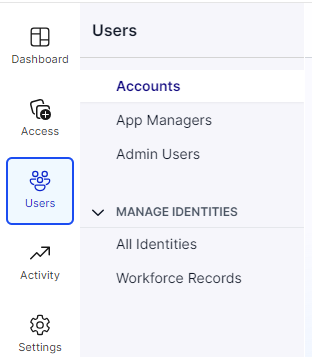
This article focuses on access management perspectives of this user navigation menu. There will be identity management help documentation coming soon.
Users
All console users can view the three sub-menus below.
Accounts: All users that have an associated account type in Apporetum
App Managers: users who are app providers, app approvers or app owners in Apporetum.
Admin Users: users who are SecOps managers, system admins, global readers, or global admins in Apporetum.
Functions
Search Function
You can use the search function built across each sub-menu in Users. You can search by using email or username.
Sort Function
You can use the sort function by clicking each column heading. All sections of Users have sortable headings. They are based on normal/reversed alphabet order.
Filter Function
One or more filters can be applied in each section of the Users navigation menu. Within each filter you can select as many items as you need. The results will show only users fitting all the selected items. You can search for the item in all of the filters except for date related.
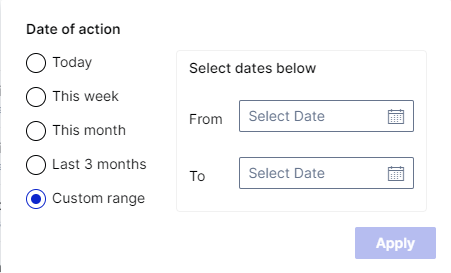
For the date related filters, it is based on time range. You also have the option to customise a time range that suits your needs.