System Info and License
Overview
In this article, you can find the how-to guides on finding information about the Apporetum system and current license. System Information displays diagnostic and troubleshooting information in Apporetum. It compiles technical information on the overall system, which can be used to identify problems. In the License page, you can renew the latest license. If you have a network outage, re-deployment, or update issue, you should check your license as your first step.
tip
Contact Apporetum for technical issues when you can't figure out what is going on with the system. You will be asked to provide some basic settings of the system. Thus, being familiar with where to find the system info and license pages would be helpful for you to know.
Find System Info
- Click the Settings main menu icon
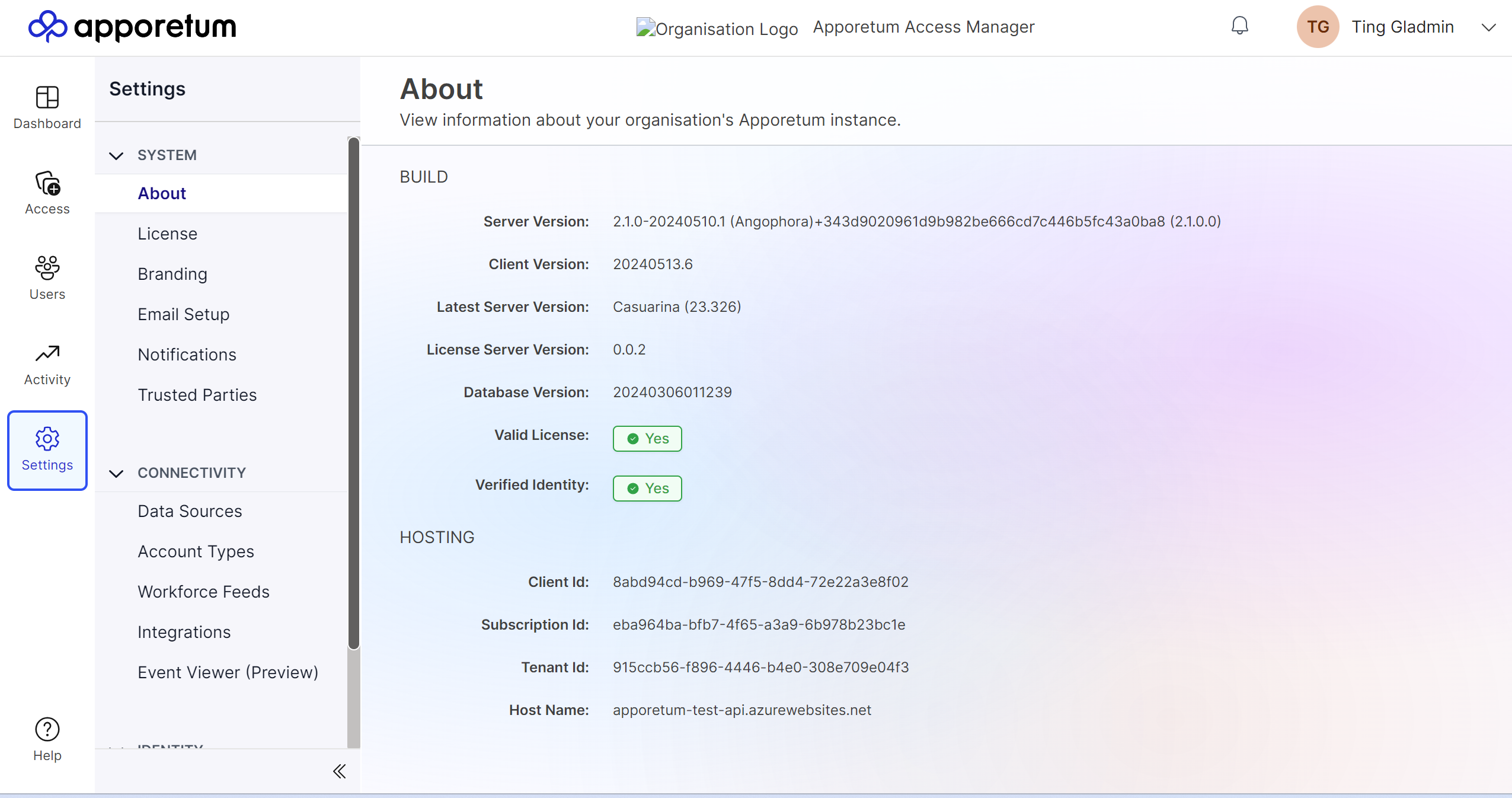
- By default, you will be on the About page
- View information about your organisation's Apporetum instance, BUILD and HOSTING
- View License Server Version and Last Updates
- View the Server Version, if Valid License and Verified Identity
Find License Info
- Click the Settings main menu icon
- By default, you will be on the About page
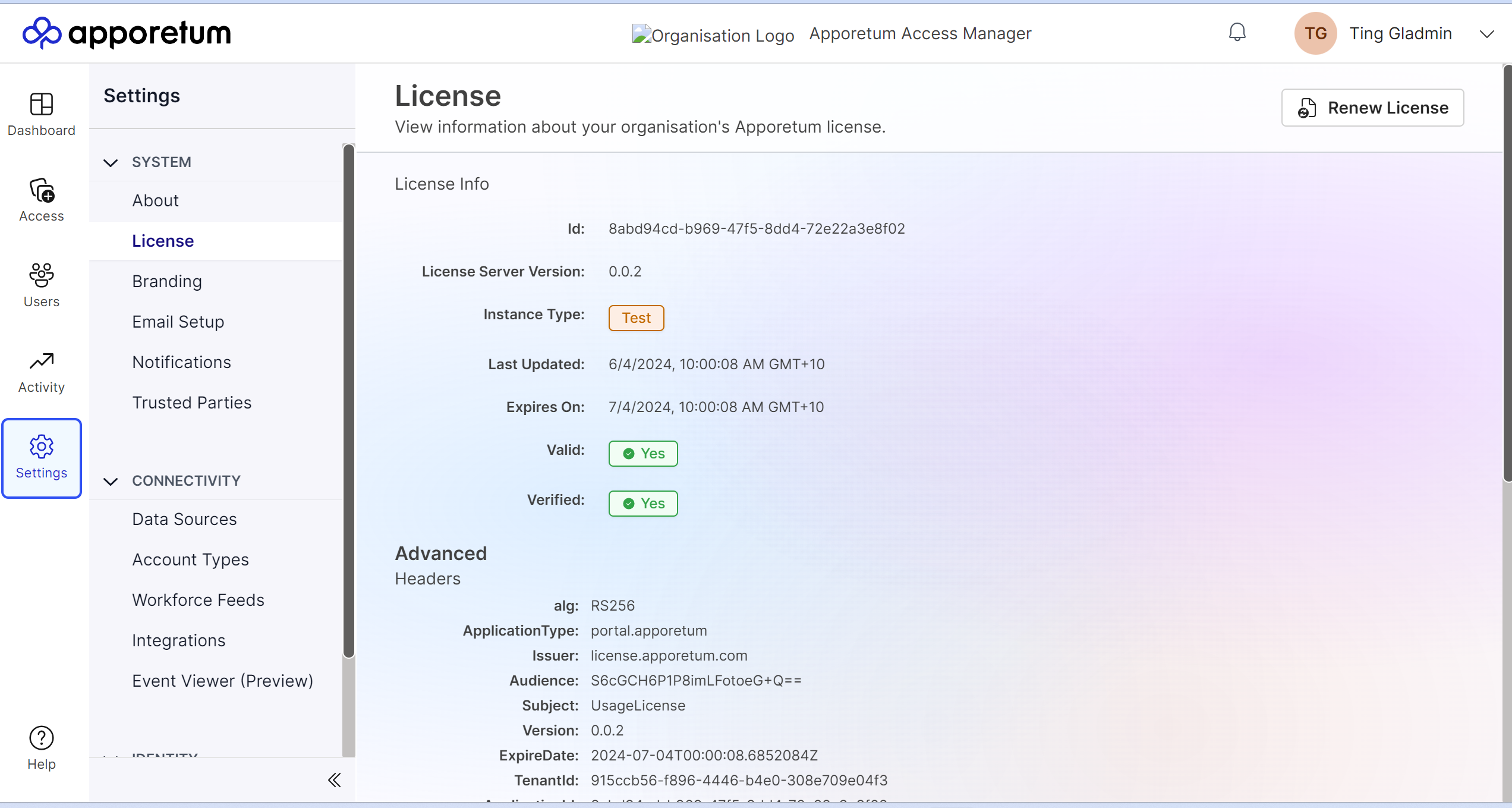
- Select the License sub-menu option
- Check the status of Valid and Verified
- View other Advanced license information
- If needed, click Renew License on the top right of the page